
SaveStack
Save the reels and videos worth keeping. Find them again when you need them.
Coming soon to Google PlayThe problem
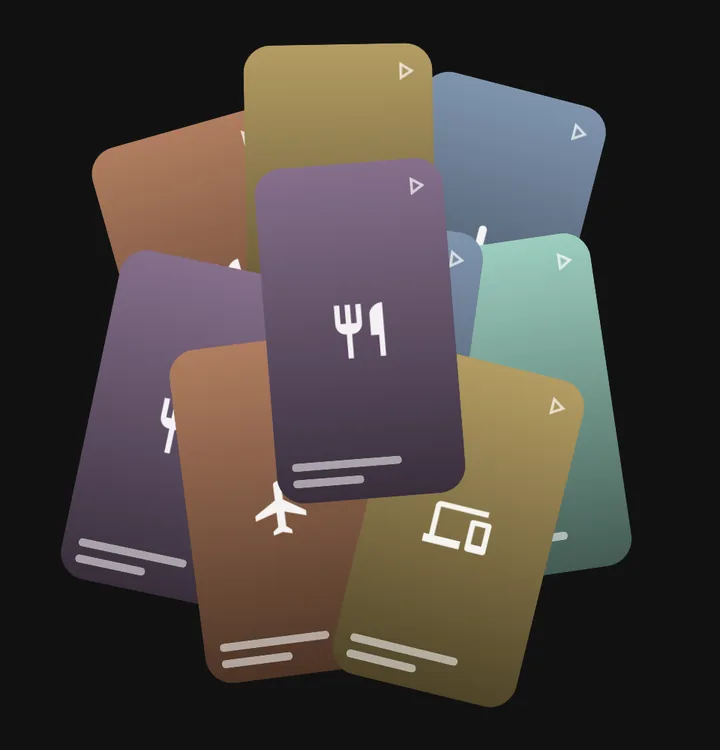
Hundreds of saves. Nothing you can find.
A recipe you meant to cook, a place you wanted to visit, a workout to try. You saved it, and now it is buried somewhere between a hundred other reels, with no title and no way to search.
The fix
Share it. SaveStack sorts it.
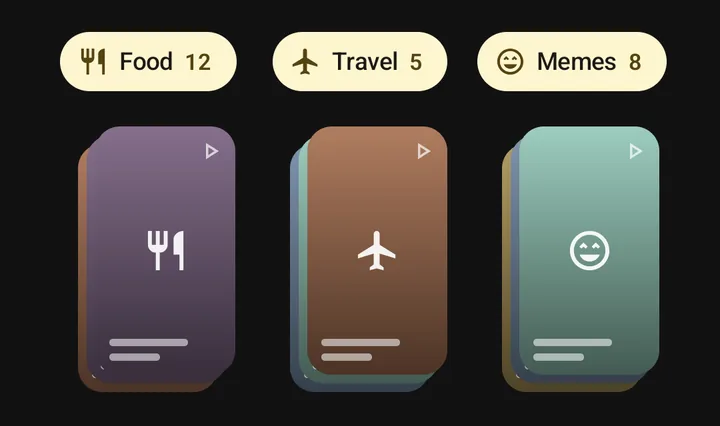
Share any Instagram reel or YouTube video to SaveStack. It reads the post, gives it a clear title, a one-line summary and tags, and files it under the right category: Food, Travel, Technology and more. No folders, no typing.
How to save
One tap from the app you are already in
Every app has a Share button. Tap it, then pick SaveStack. If you do not see it straight away, it is under Share to… or More.
In Instagram
In YouTube
What it does
Everything you saved, in order
Clear titles and summaries
Every save gets a short, readable title and a one-line summary, taken from the post's caption or description.
Sorted automatically
Categories and tags are added for you. Rename a category or edit tags any time; your changes stick.
Search that finds it
Search by the words in titles, summaries and tags, narrow down by category, or pick a time range.
Browse by topic
See each category at a glance with thumbnails and counts, and scroll back through time with the timeline.
Private by design
No account, no ads, no tracking. Your library stays on your phone. Read the privacy policy.
Tell us what's wrong
Found a bug? Report it from inside the app: show the screen, draw on it, add a note, send.
Coming soon to Google Play
Questions or want to help test? Write to support@thiramstudios.com.